


Top Music Production Software for Beginners: Beginner-Friendly DAWs to Kickstart Your Creativity
Starting your journey in music production can feel overwhelming. There are so many options out there, and choosing the right software is crucial. As someone who’s been through the process, I want to share some of the best beginner-friendly DAWs (Digital Audio Workstations) that will help you create music with ease and confidence. Whether you’re into Christian, Blues, Rock, or any other genre, these tools will support your creative flow and technical growth.
What Makes a DAW Beginner-Friendly?
Before diving into specific software, let’s talk about what makes a DAW beginner-friendly. A good beginner DAW should have:
Intuitive interface: You want to spend time making music, not figuring out complicated menus.
Built-in tutorials or help: Guidance is key when you’re just starting.
Affordable or free options: Budget-friendly choices let you experiment without breaking the bank.
Essential features: Basic recording, editing, mixing, and effects should be easy to access.
Room to grow: As your skills improve, the software should offer advanced tools without forcing you to switch.
With these points in mind, here are some top picks that fit the bill perfectly.
Top Beginner-Friendly DAWs to Explore
1. GarageBand (Mac Only)
If you’re on a Mac, GarageBand is a fantastic place to start. It’s free, user-friendly, and packed with features that cover everything from recording vocals to creating beats. The interface is clean and inviting, making it easy to drag and drop loops or record live instruments.
Why it’s great: GarageBand offers a wide range of virtual instruments and effects. It also supports MIDI, so you can connect keyboards or drum pads.
Best for: Beginners who want a simple, no-cost introduction to music production.
Limitations: Only available on Apple devices.
2. Ableton Live Intro
Ableton Live is known for its versatility, especially in electronic music and live performances. The Intro version is a scaled-down edition that still packs a punch for beginners.
Why it’s great: The session view lets you experiment with loops and ideas quickly. It’s also great for recording and arranging.
Best for: Those interested in electronic, hip-hop, or experimental music.
Limitations: Slightly steeper learning curve but worth the effort.
3. FL Studio (Beginner to Advanced)
FL Studio has a reputation for being accessible to beginners while offering deep features for pros. Its pattern-based workflow is perfect for creating beats and melodies.
Why it’s great: The interface is colorful and engaging, with plenty of tutorials available online. It supports drag-and-drop and has a powerful piano roll.
Best for: Beatmakers, hip-hop producers, and anyone who loves a visual approach.
Limitations: Can be overwhelming at first, but patience pays off.

4. Reaper
Reaper is a lightweight, affordable DAW that offers a full suite of features. It’s highly customizable, which means you can tailor it to your workflow.
Why it’s great: It has a small download size and runs smoothly on most computers. The trial version is fully functional, so you can test it extensively.
Best for: Those who want a powerful DAW without a hefty price tag.
Limitations: The interface is less flashy and might feel a bit technical initially.
5. Logic Pro X (Mac Only)
For those ready to step up from GarageBand, Logic Pro X is a professional-grade DAW that remains accessible to beginners.
Why it’s great: It includes a massive library of sounds, loops, and plugins. The interface is polished and integrates well with Apple hardware.
Best for: Serious musicians who want to grow into advanced production.
Limitations: Only available on Mac and costs more than entry-level options.
Is FL Studio Still Free?
A common question I hear is, “Is FL Studio still free?” The answer is a bit nuanced. FL Studio offers a free trial version that lets you explore almost all features without time limits. However, you cannot reopen saved projects unless you purchase a license. This means you can try it out extensively, but to save and continue your work, you’ll need to buy one of their editions.
The good news is that FL Studio’s pricing is flexible, with several tiers depending on your needs. The trial is a great way to get a feel for the software before committing.
Tips for Choosing the Right Software for You
Choosing the right DAW is a personal decision. Here are some tips to help you decide:
Try before you buy: Most DAWs offer free trials or lite versions. Use these to get hands-on experience.
Consider your genre: Some DAWs are better suited for certain styles. For example, Ableton Live shines in electronic music, while Logic Pro X is great for recording bands.
Check system compatibility: Make sure the software runs smoothly on your computer.
Look for community support: A strong user community means more tutorials, forums, and help.
Think about future growth: Pick software that can grow with your skills.
Enhancing Your Music Production Journey
Once you’ve chosen your DAW, the next step is to enhance your setup. Consider investing in:
A good audio interface: This improves sound quality when recording instruments or vocals.
MIDI controllers: Keyboards or drum pads make creating music more tactile and fun.
Headphones or monitors: Accurate sound reproduction helps you mix better.
Plugins and virtual instruments: Expand your sonic palette with effects and synths.
Remember, the best music production software is the one that inspires you to create. Don’t get stuck chasing the “perfect” tool. Start making music today, and let your skills and setup evolve naturally.
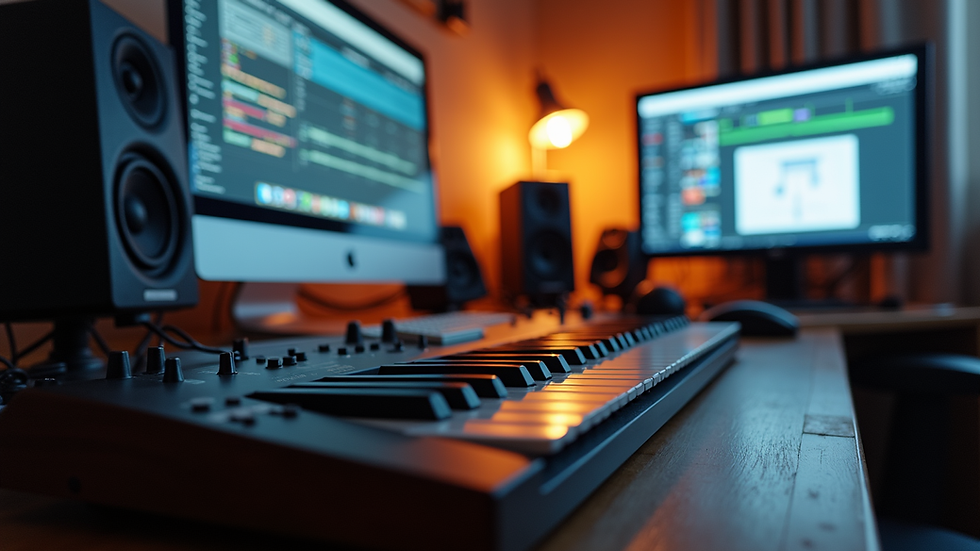
Exploring beginner-friendly DAWs opens up a world of creative possibilities. Whether you’re crafting soulful blues riffs, heartfelt Christian melodies, or rocking out with powerful guitar tones, the right software will be your trusted companion. Dive in, experiment, and most importantly, enjoy the process of bringing your musical ideas to life.


Comments